
Notice: Function _load_textdomain_just_in_time was called incorrectly. Translation loading for the woocommerce domain was triggered too early. This is usually an indicator for some code in the plugin or theme running too early. Translations should be loaded at the init action or later. Please see Debugging in WordPress for more information. (This message was added in version 6.7.0.) in /home/wisdomph/dev.wisdomlink.com.ph/wp-includes/functions.php on line 6260

Notice: Function _load_textdomain_just_in_time was called incorrectly. Translation loading for the estore domain was triggered too early. This is usually an indicator for some code in the plugin or theme running too early. Translations should be loaded at the init action or later. Please see Debugging in WordPress for more information. (This message was added in version 6.7.0.) in /home/wisdomph/dev.wisdomlink.com.ph/wp-includes/functions.php on line 6260
Docking Station (TS-DPD6P) – Wisdomlink

Docking Station (TS-DPD6P)

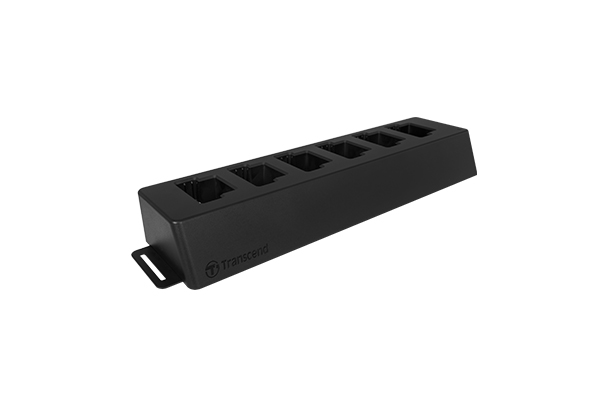
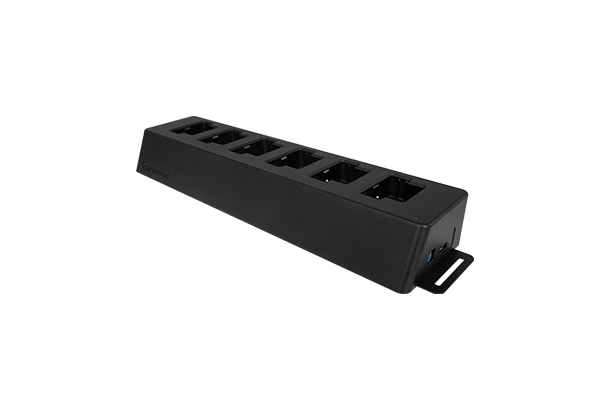
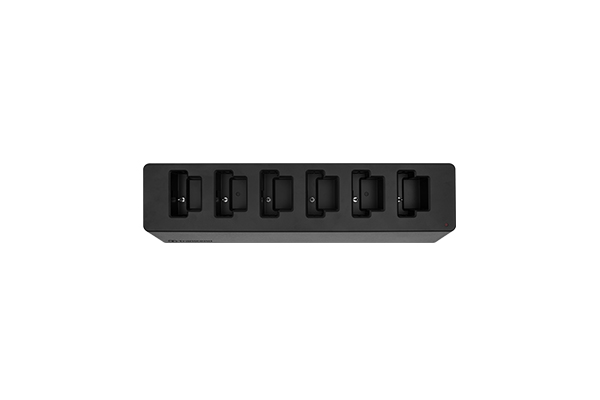
Exclusively designed for the DrivePro Body 20 and DrivePro Body 52 body cameras, Transcend’s 6-port docking station is equipped with six charging and data upload ports, and can be daisy-chained with up to two additional docking stations to allow up to eighteen DrivePro Body series body cameras to charge and upload data at the same time. The docking station is also equipped with an auto backup function that works while recharging is taking place.

Description

Exclusively designed for the DrivePro Body 20 and DrivePro Body 52 body cameras, Transcend’s 6-port docking station is equipped with six charging and data upload ports, and can be daisy-chained with up to two additional docking stations to allow up to eighteen DrivePro Body series body cameras to charge and upload data at the same time. The docking station is also equipped with an auto backup function that works while recharging is taking place.

Installation Guide

  1. Connect the docking station to an electrical outlet to charge the DrivePro Body.
  2. Connect the docking station to a PC via USB to perform the auto-backup*.
  3. Power on the docking station by flipping the power switch.
  4. Connect your DrivePro Body to charge the device and backup data to your PC simultaneously.

*DrivePro Body Toolbox is required for this feature.